For v0
v0 Templates
Our templates are Vite + React + TypeScript + Tailwind projects, not Next.js code, so v0 does not import them directly. Instead, each download includes BUILD-PROMPT.md: a tested prompt that describes the finished page section by section. Paste it as your first message and v0 rebuilds the design as a Next.js + Tailwind app, then you rebrand it from a short PRD.
v0 templates
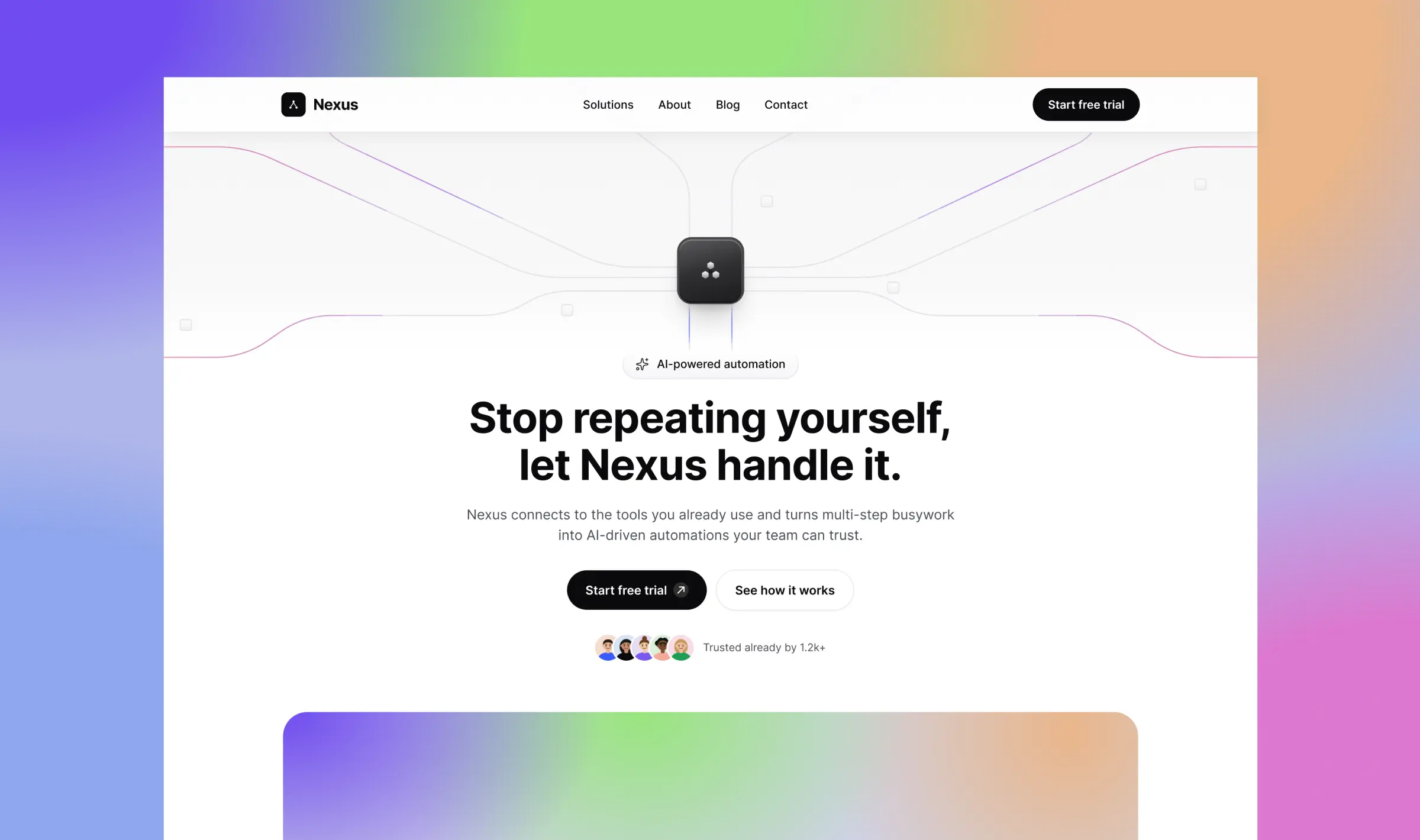
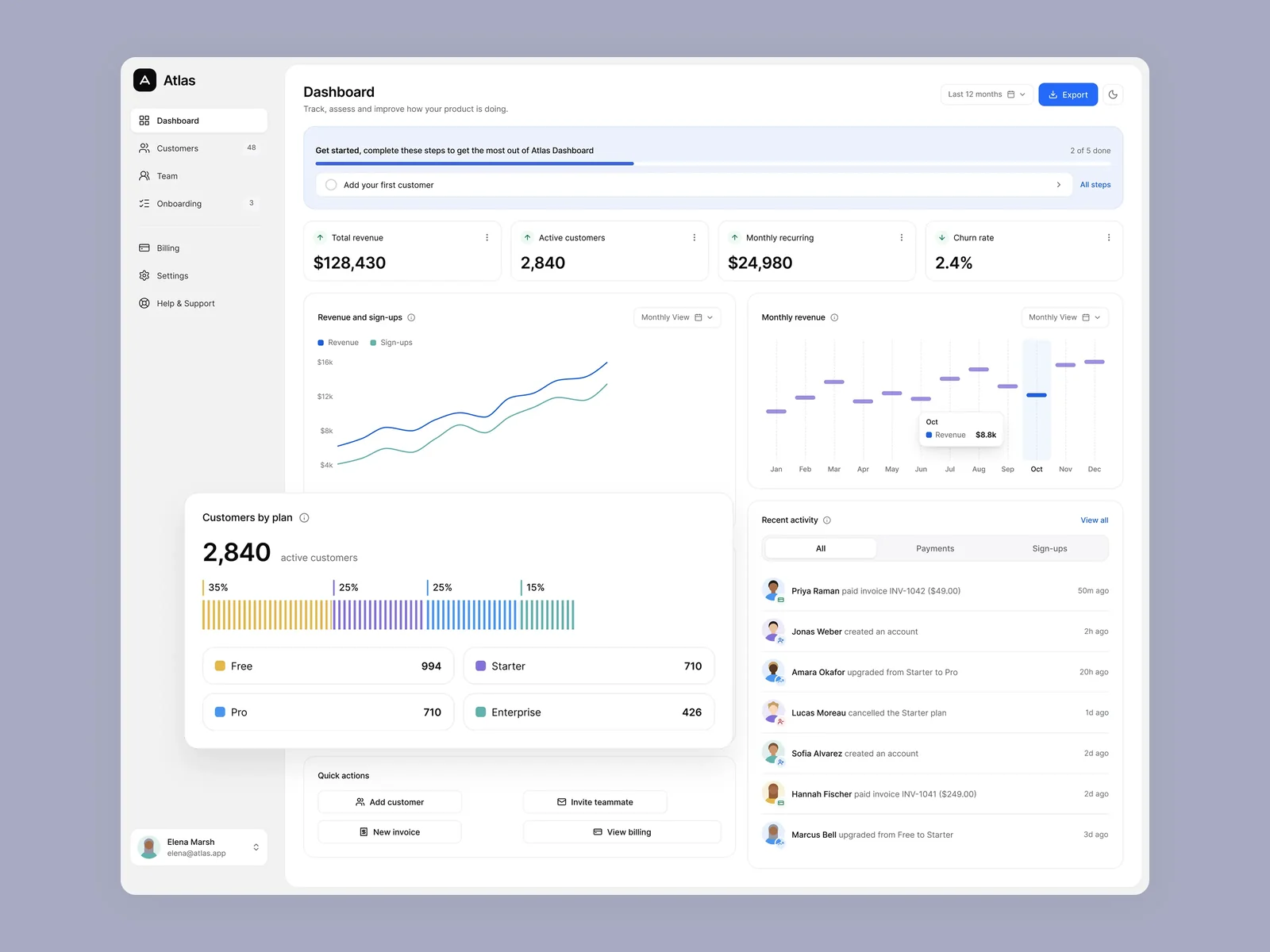
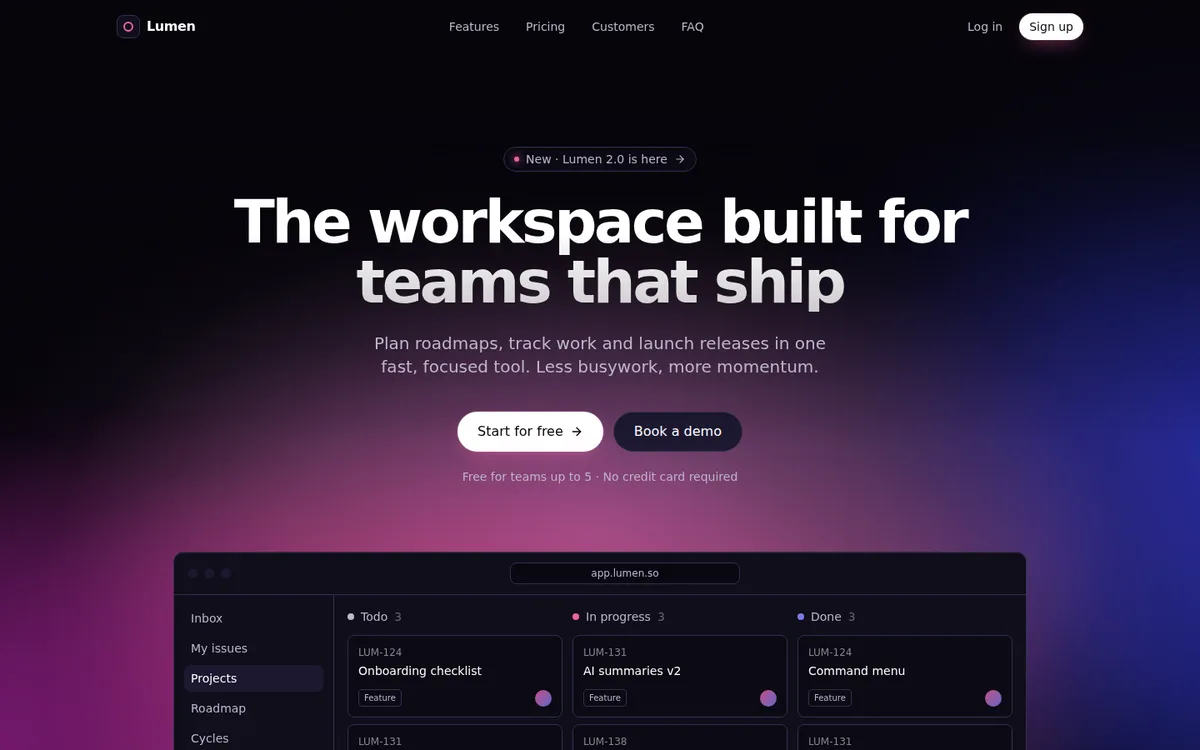
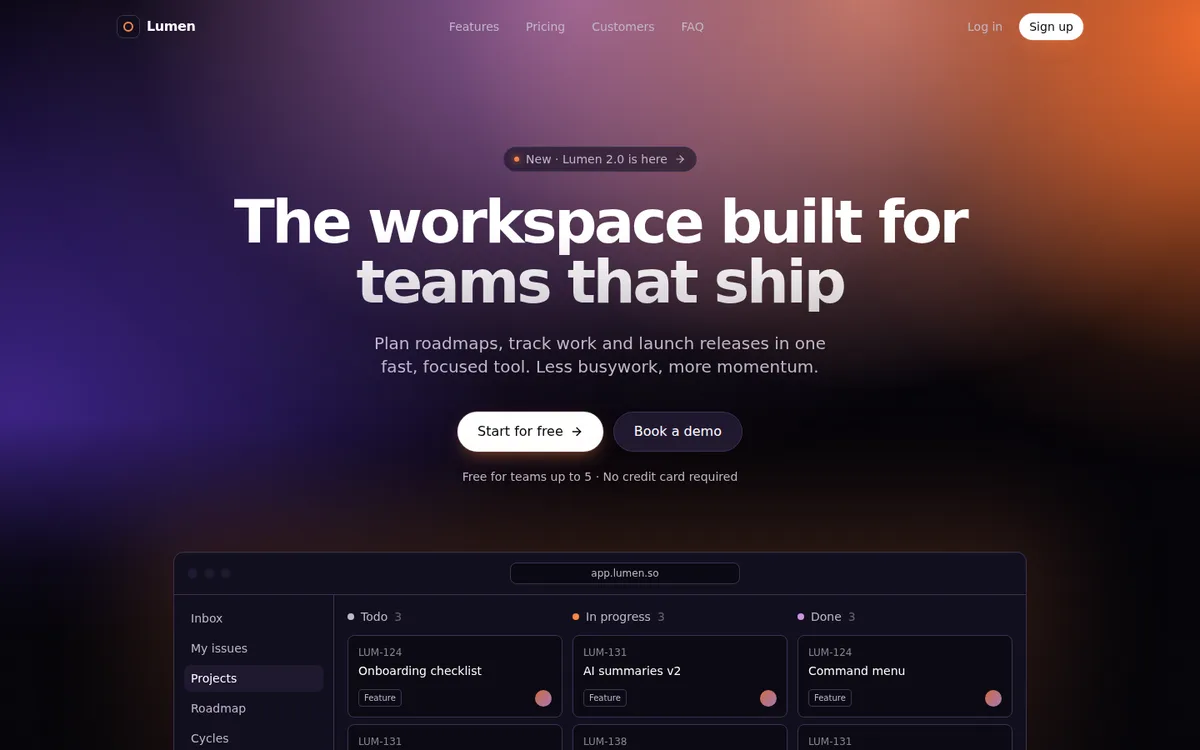
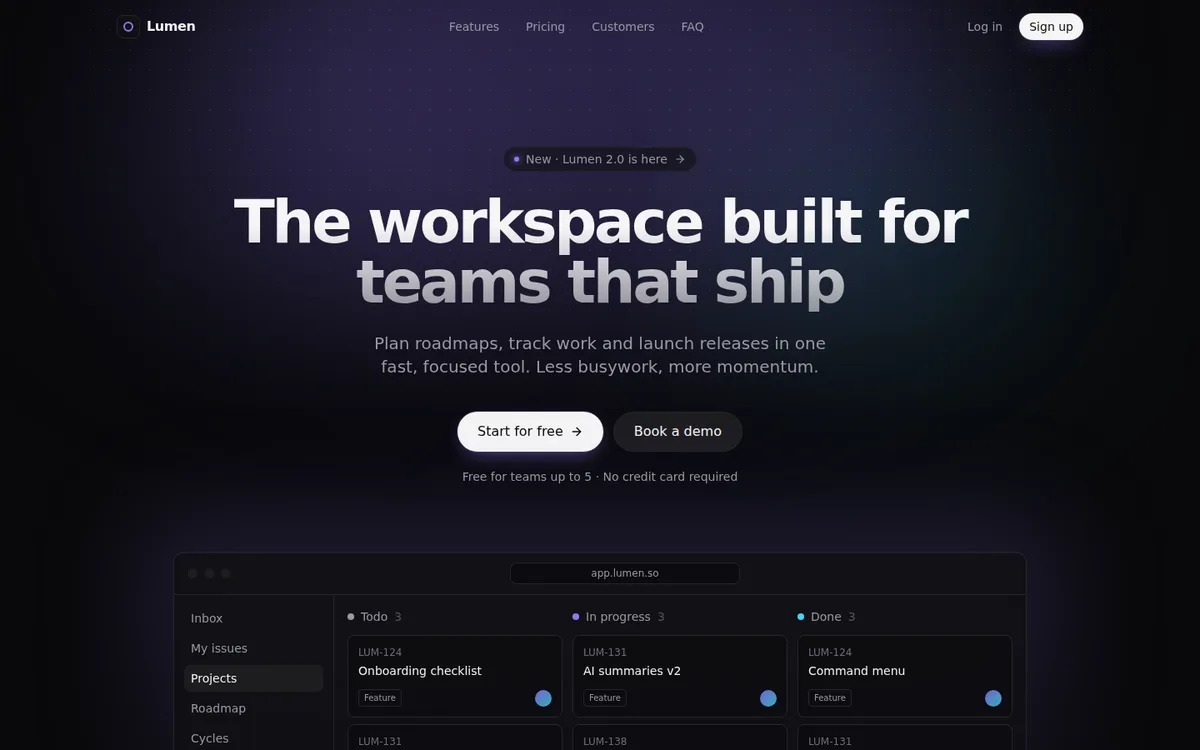
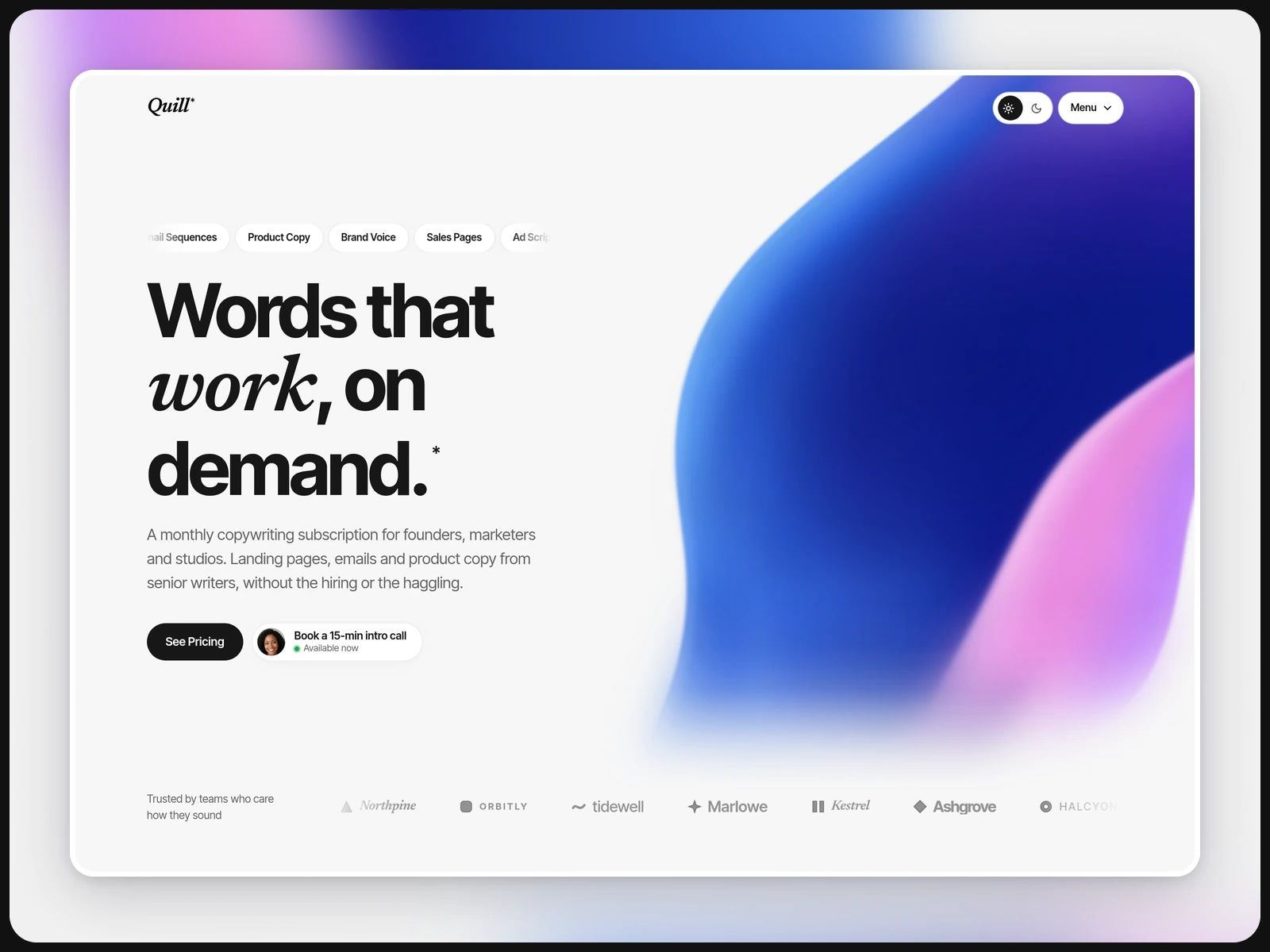
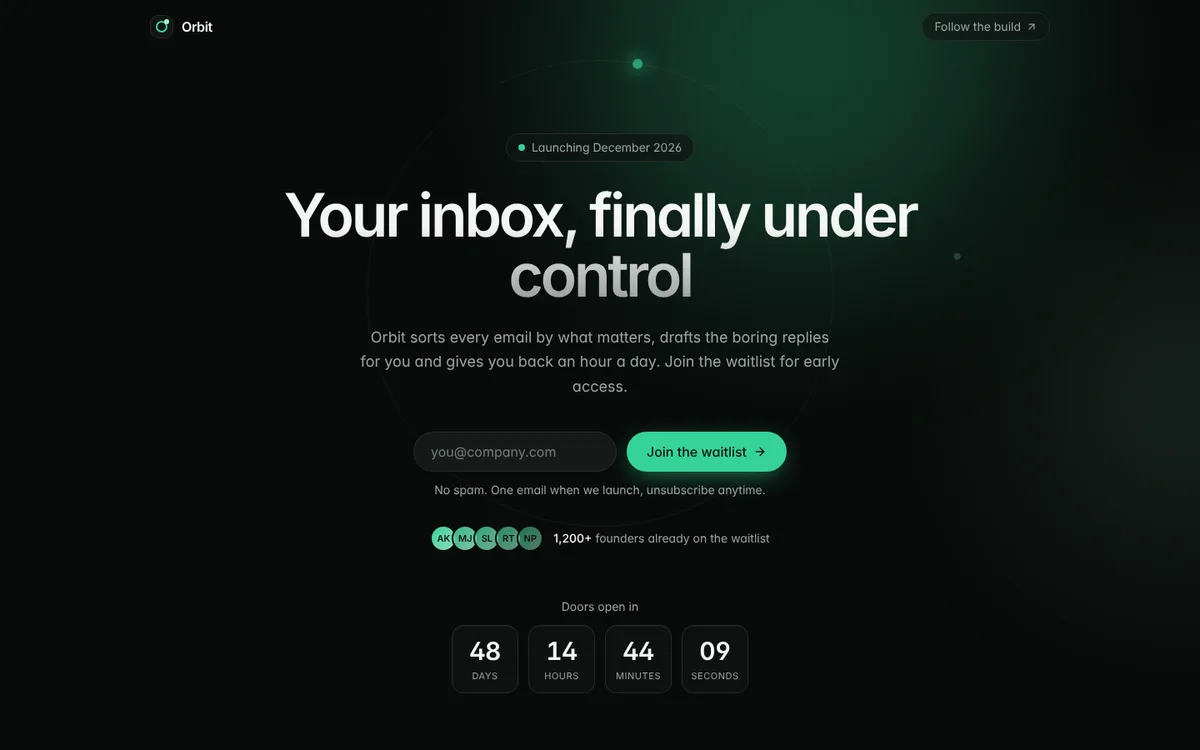
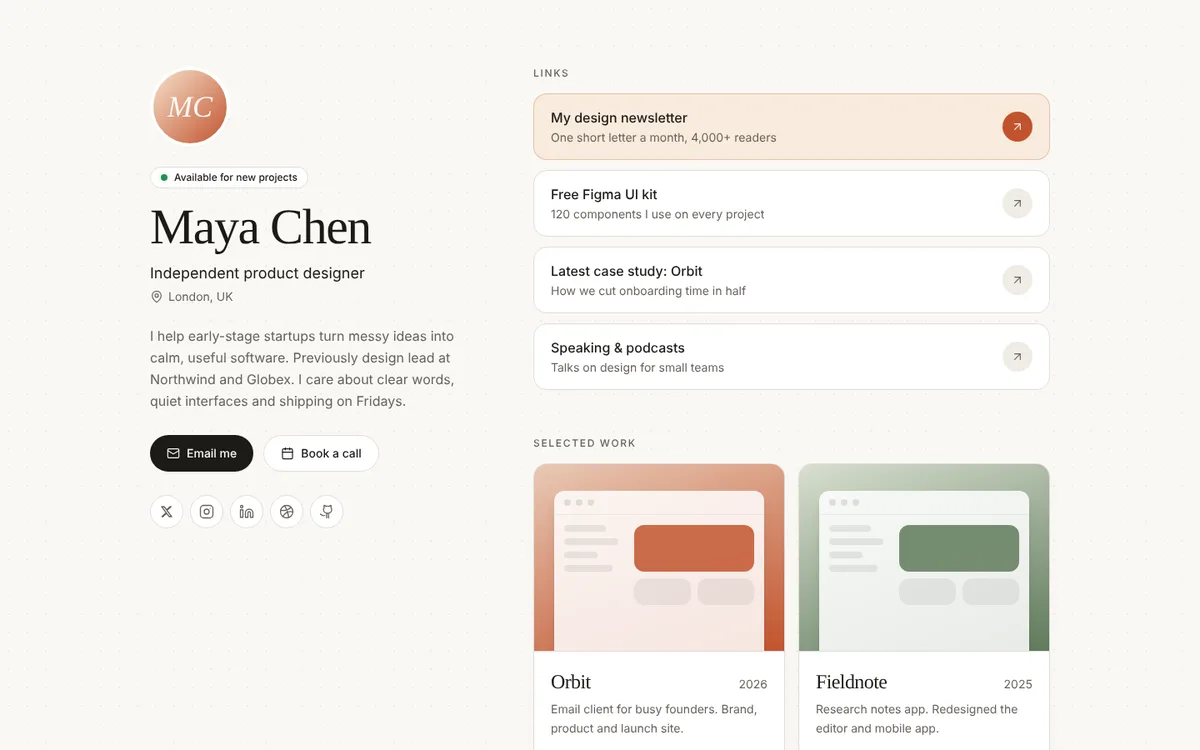
Want every style? Get the Lumen Collection
$69 $117 · works in v0
Why use a template in v0?
Honest about the stack
The source code is Vite + React. v0 rebuilds it as Next.js from the build prompt, so the result is very close to the demo, not a byte-for-byte copy.
Detailed build prompt
BUILD-PROMPT.md spells out every section, style token and interaction, so v0 gets the layout right the first time.
Source code as a reference
The full project is in the download, so you can compare the result, copy exact copy or colors, or run the original locally.
How to paste into v0
- 1
Preview the design
Unzip the download and double-click preview.html to see the page you are about to build.
- 2
Paste BUILD-PROMPT.md as the first message
Start a new v0 chat and paste the whole of BUILD-PROMPT.md. v0 builds the page as a Next.js + Tailwind app.
- 3
Rebrand from the PRD
Fill in docs/PRD.md, paste it in the next message and ask v0 to swap the demo content for your product.
Every download also includes START-HERE.md with step-by-step setup and fixes for common errors.
v0 vs Lovable for these templates
Both work. The difference is how the template gets in and what code you end up with.
| v0 | Lovable | |
|---|---|---|
| Stack it builds | Next.js + React + Tailwind | Vite + React + TypeScript + Tailwind (same as our source) |
| Import route | Paste BUILD-PROMPT.md as the first message | Push the project into a Lovable-connected GitHub repo, or paste LOVABLE-PROMPT.txt |
| Result | A close rebuild of the design in Next.js | The exact template code (GitHub route) or a close rebuild (prompt route) |
| Best for | Teams already on Next.js and Vercel | Keeping the original code and editing it with AI |
v0 template FAQ
Are these Next.js templates?
No. The source is Vite + React + TypeScript + Tailwind. v0 rebuilds the design as a Next.js app from the included build prompt.
Will the v0 result match the demo exactly?
It will be very close, because the build prompt specifies every section and style. v0 writes its own code, so small details can differ; follow-up prompts in PROMPTS.md help fix them.
Can I import the code into v0 instead?
The reliable route for these templates is the build prompt. If you want the exact original code, use a tool that runs Vite projects, such as Cursor, Claude Code or Replit.
Can I use it for client work?
Yes, unlimited sites for you and your clients. Reselling or sharing the template itself isn't allowed.