For Windsurf
Windsurf Templates
Windsurf's agent edits faster and more safely when the project tells it the rules. Every template ships with a .windsurfrules file that points to AGENTS.md: an edit map of which files to open for each task, the design tokens to use and what never to break. Open the folder, run two commands and ask the agent to rebrand the site from a short PRD.
Windsurf templates
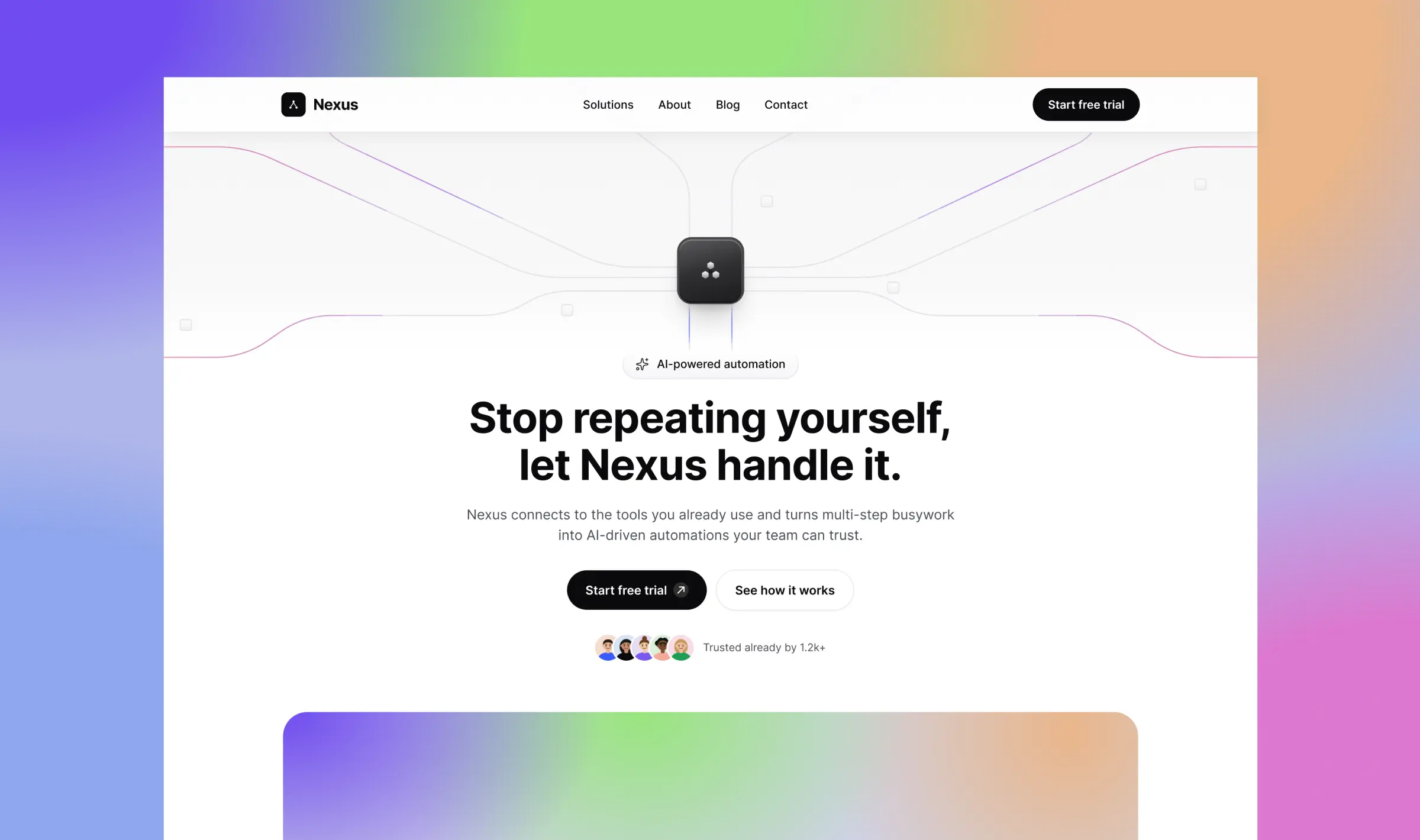
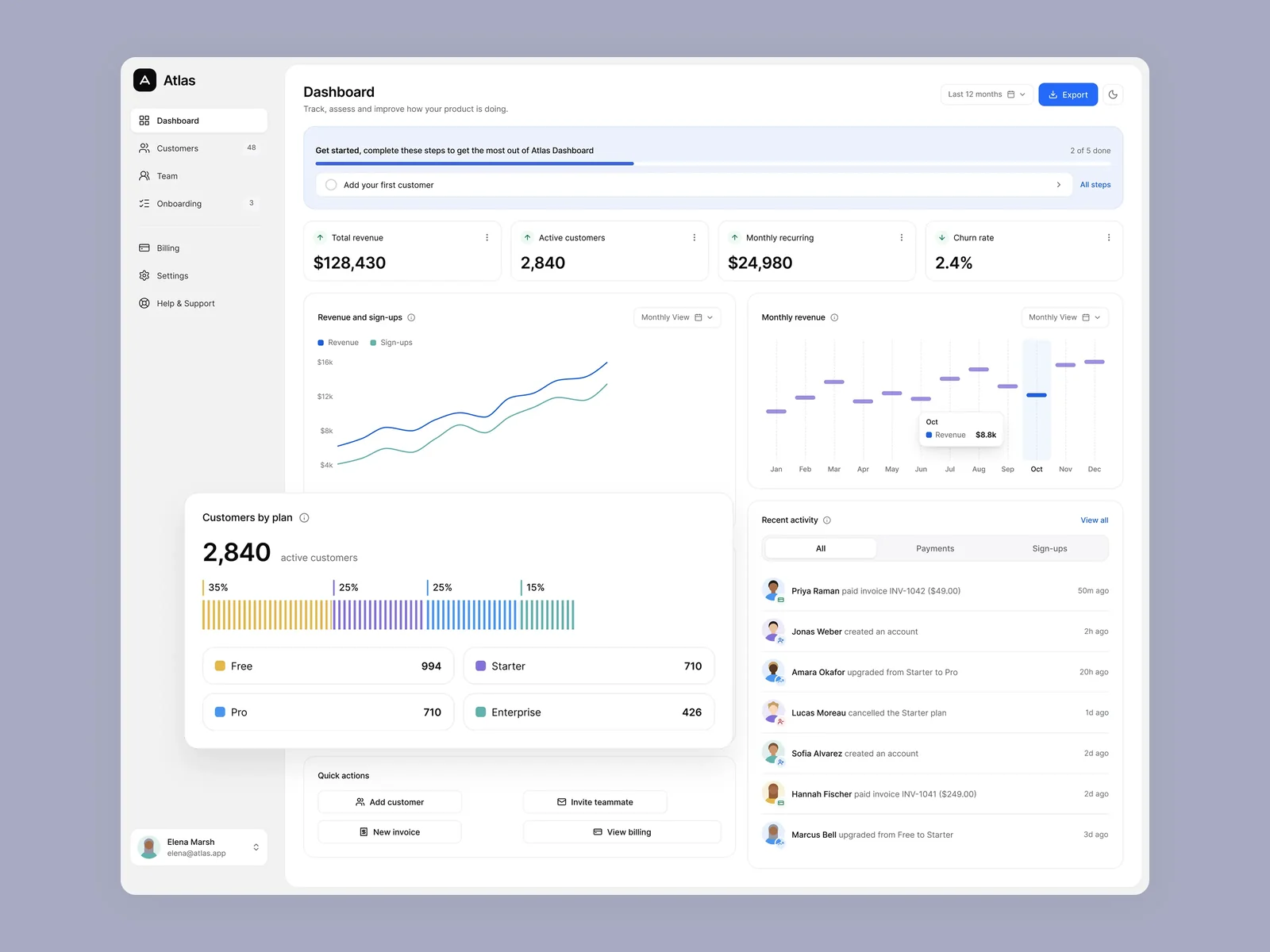
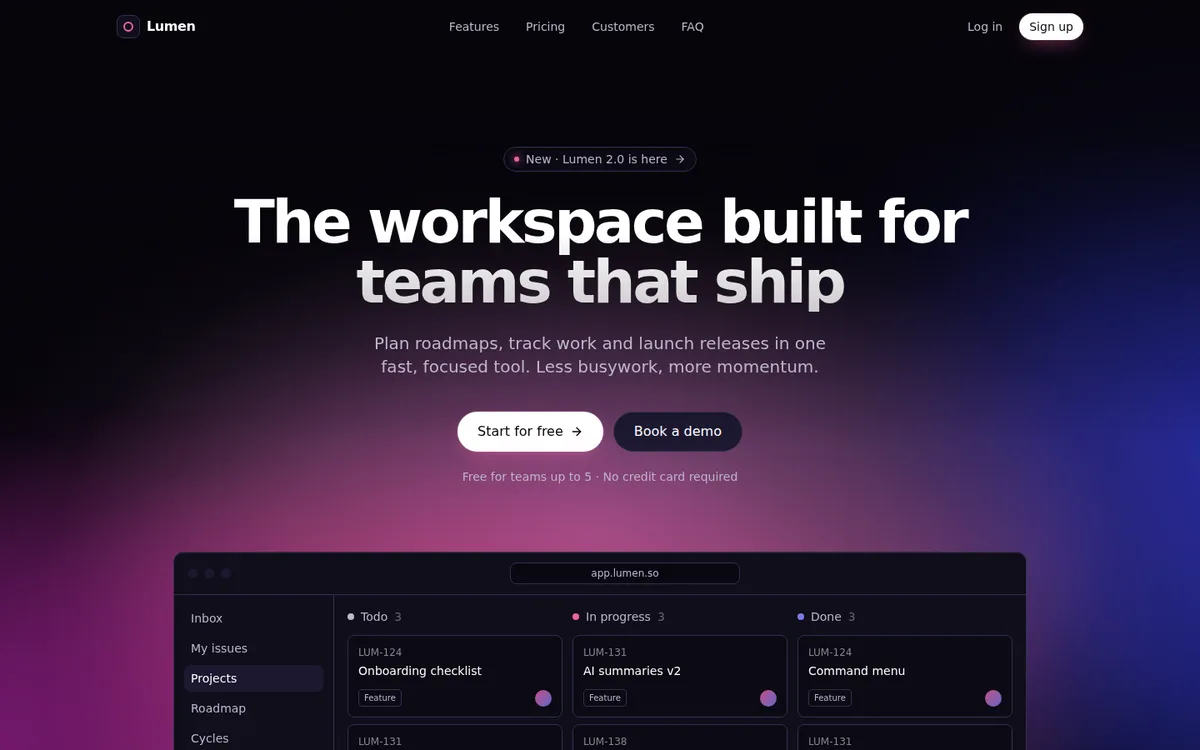
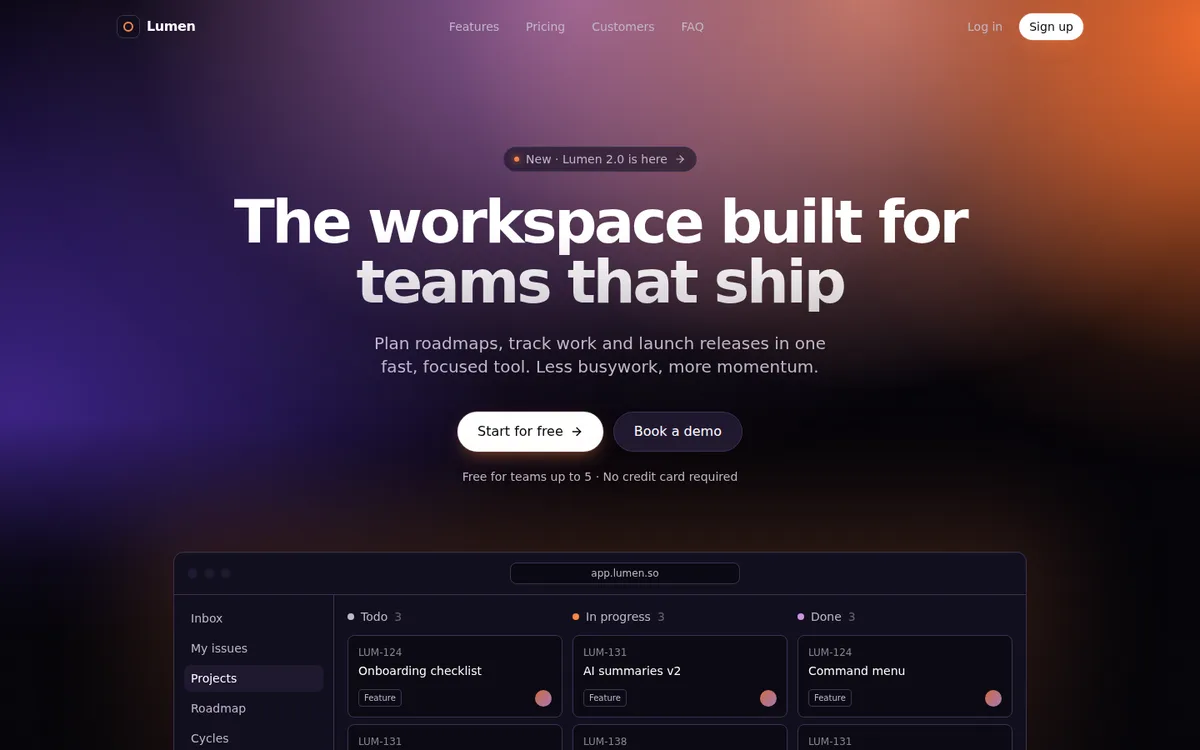
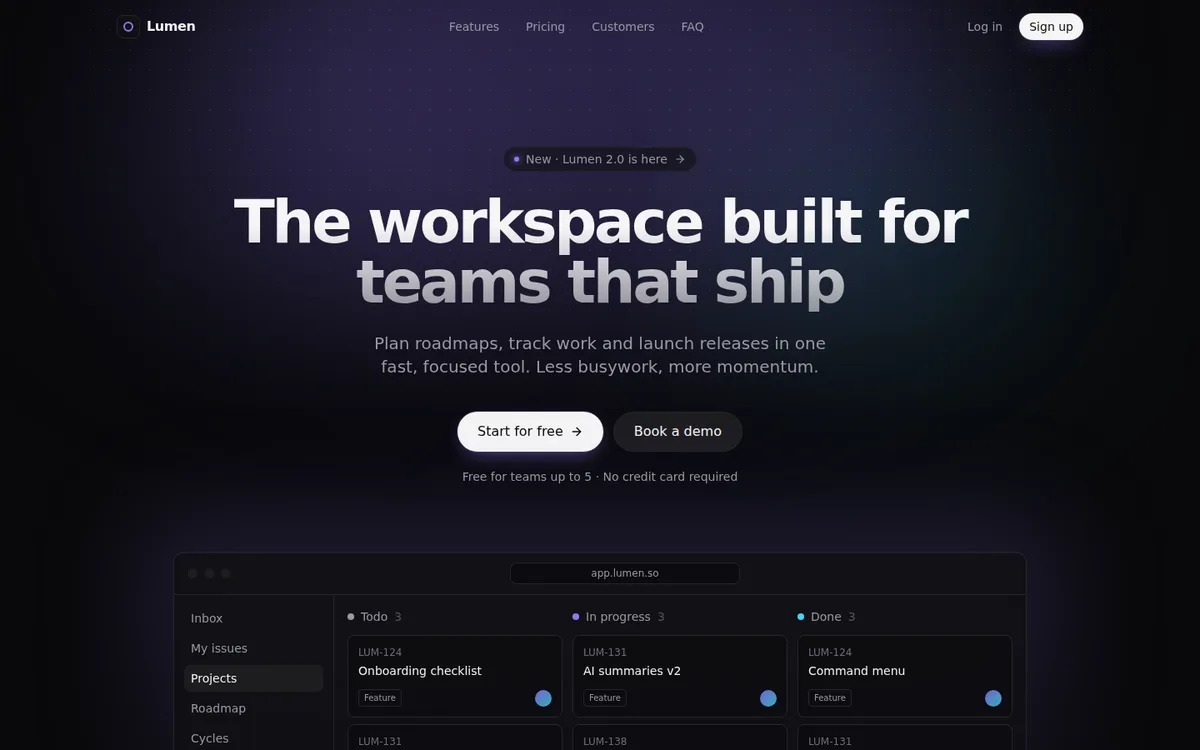
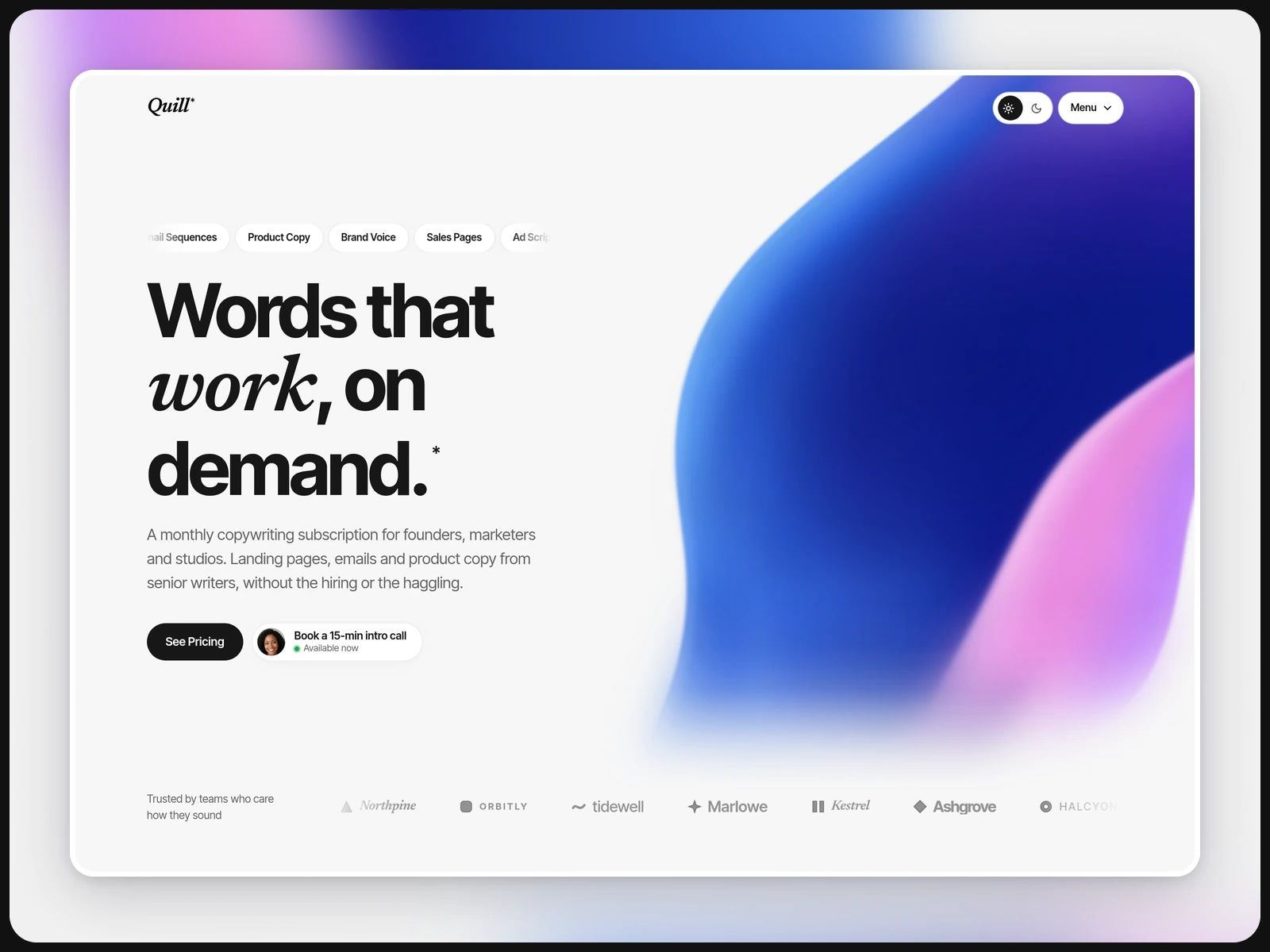
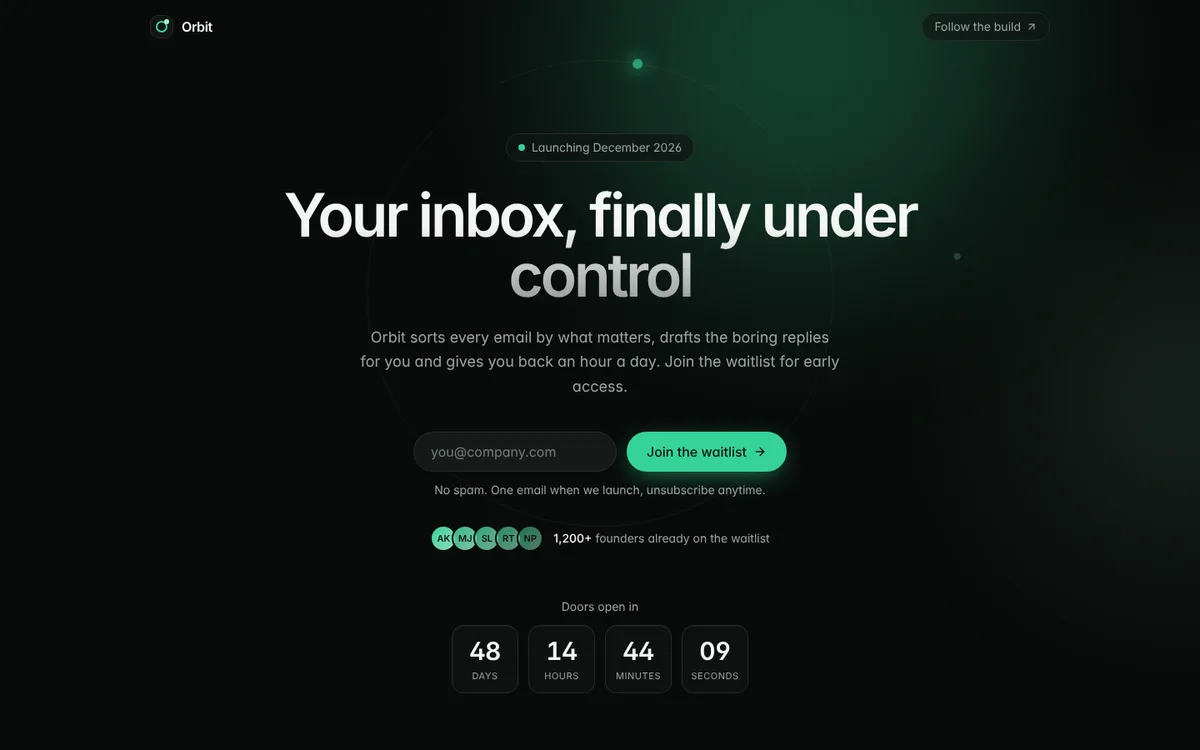
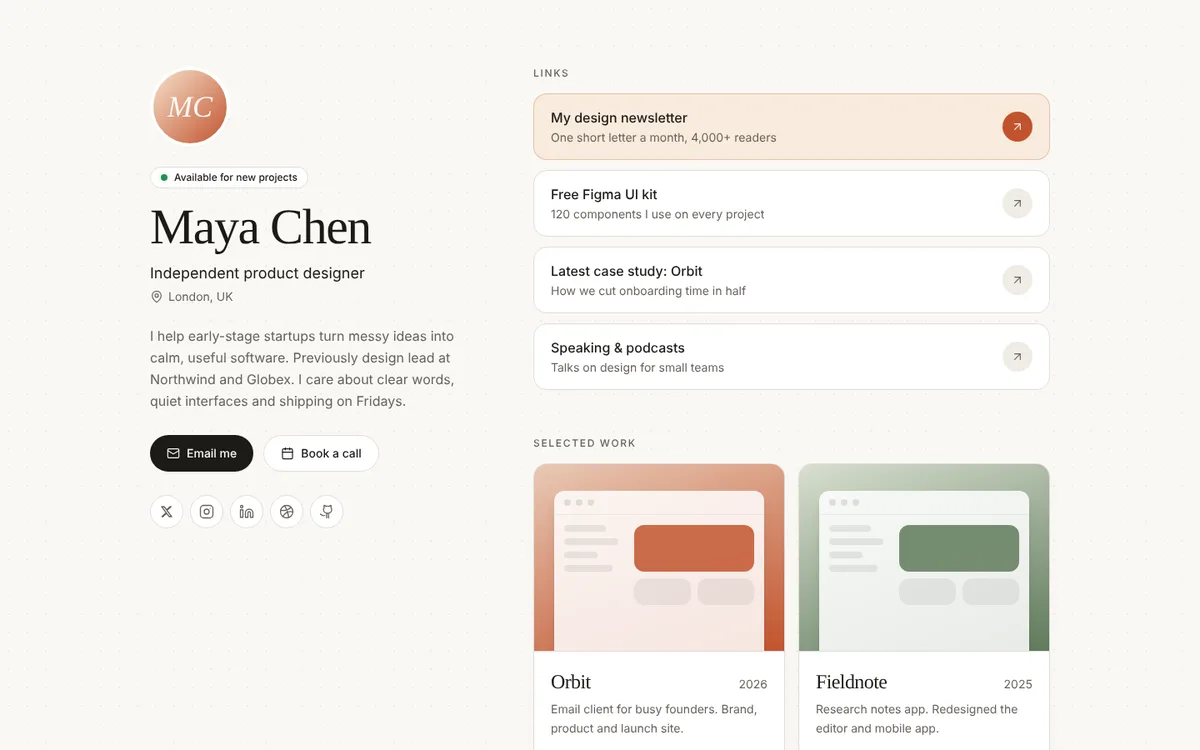
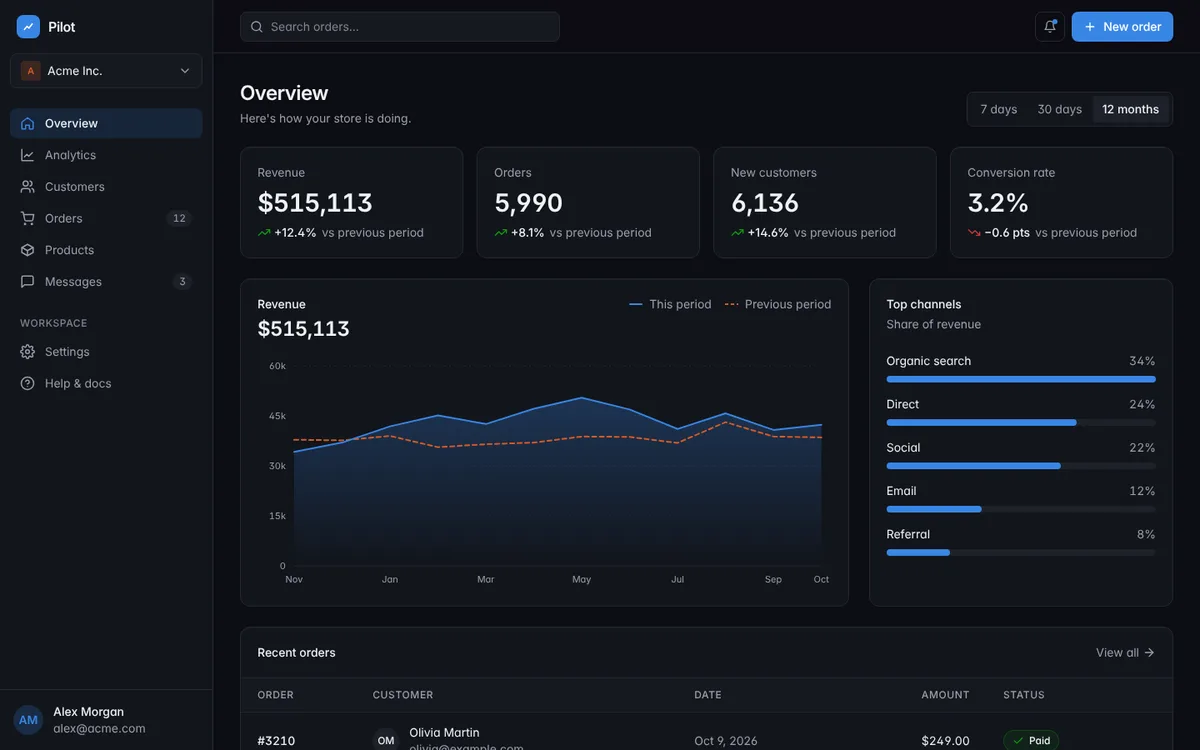
Want every style? Get the Lumen Collection
$69 $117 · works in Windsurf
Why use a template in Windsurf?
Rules file included
.windsurfrules is in the project root and points to AGENTS.md, the single set of rules shared by every AI tool.
Edit map, not guesswork
AGENTS.md lists the exact files for each task, such as copy, colors or adding a page, so the agent reads less and changes less.
Plain, light stack
Vite, React 18, TypeScript and Tailwind. It runs with npm install and npm run dev on Node 18 or newer.
Sample .windsurfrules
The file in each download is a one-line pointer to AGENTS.md. If you prefer the rules inside Windsurf's own file, this is an adapted version you can paste into .windsurfrules:
# Rules for this project (adapted from AGENTS.md)
Read AGENTS.md and docs/PRD.md before any change.

## Work like this
- Open only the files listed in the AGENTS.md edit map for the task.
- Make the smallest change that does the job, in one pass.
- Do not ask questions that docs/PRD.md already answers.
- No new dependencies.

## Design rules
- Colors come from CSS variables in src/index.css. Never add raw hex colors.
- All copy lives in src/config/site.ts. Change text there, not in components.
- Reuse the components in src/components/ui. Do not build one-off versions.
- Every page must work at 390px wide with no sideways scroll.

## Done when
- npm run build passes with no type errors.
- npm run dev shows no console errors.
How to set up a template in Windsurf
- 1
Open the folder
Unzip the template and open the folder in Windsurf. The .windsurfrules file is picked up from the project root.
- 2
Install and run
In the terminal run npm install, then npm run dev, and open the local address it prints.
- 3
Rebrand from the PRD
Fill in docs/PRD.md and paste prompt #1 from PROMPTS.md into the agent. It updates the copy, colors and sections in one pass.
Every download also includes START-HERE.md with step-by-step setup and fixes for common errors.
Windsurf template FAQ
What is in the .windsurfrules file?
One line that tells Windsurf to read AGENTS.md before any change. AGENTS.md holds the full rules, so they are written once and shared with Cursor, Claude Code and other tools.
Can I add my own rules?
Yes. Add them to AGENTS.md so every tool follows them, or add Windsurf-only lines to .windsurfrules.
Do I need to know how to code?
No. START-HERE.md walks you through opening and running the project, and the prompts in PROMPTS.md handle the edits.
Can I use it for client work?
Yes, unlimited sites for you and your clients. Reselling or sharing the template itself isn't allowed.